01 · Real time
Find highlights while the stream is live
The direction is live stream clipping: surface moments during a broadcast, so creators can review candidates without waiting for a full VOD upload and processing queue.

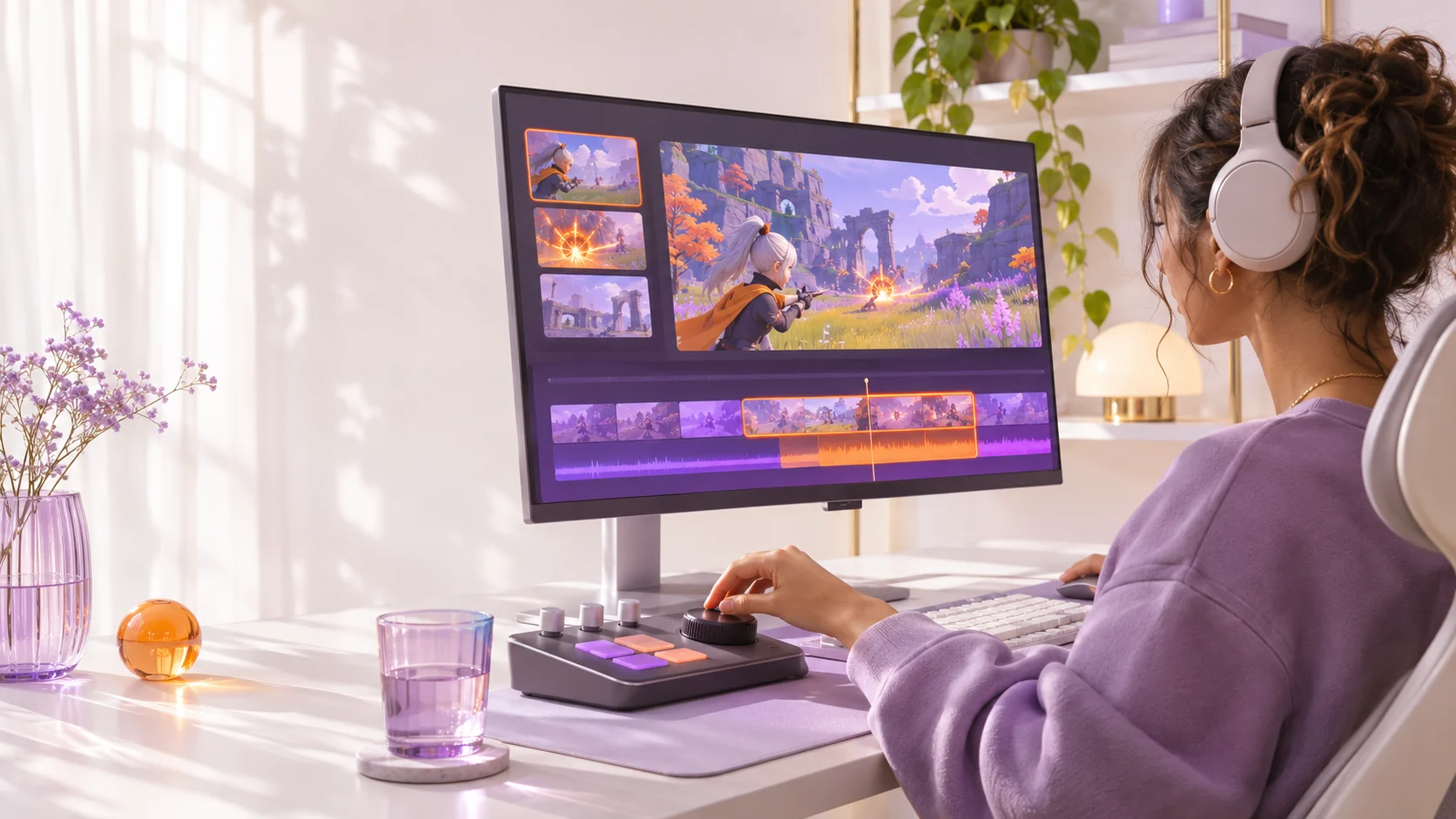
LIVE STREAM CLIPPING FOR GAME CREATORS
Find standout moments while you’re live, keep raw footage on your PC, then shape the story in a professional editing tool. BangerBit is for streamers, clippers and teams who need more than a timestamp.
A focused workflow for reviewing the play, preserving context and moving faster into the edit.
BangerBit is designed around the work that happens between a live moment and a finished clip: finding it, preserving the story and shaping it for the next audience.
The direction is live stream clipping: surface moments during a broadcast, so creators can review candidates without waiting for a full VOD upload and processing queue.
Highlight detection is designed to run locally, without uploading raw stream footage for cloud analysis. This keeps privacy, transfer time and infrastructure cost in view; exact system requirements still need validation.
We plan to explore hotkeys, voice markers, Stream Deck, supported game-state or GSI events, audio peaks, chat activity and visual cues. Combining signals should be more resilient than relying on OCR alone; game and integration support will be validated.
A great gaming clip is a story, not just a kill feed. Candidate windows should preserve the buildup before an event and the reaction after it, with room for the creator to trim.
Our planned handoff connects discovery with a professional editing tool: apply templates, add captions, reframe for vertical 9:16 and export. Creators keep the final say on every cut.
Our billing direction avoids expiring credits, does not charge usage for failed processing, and keeps your clip history from being held behind an expiring balance. Plans and fair-use terms will be published before launch.
Creators, editors and teams should be able to review, approve and refine candidate clips together—without removing the creator's editorial control.
A stream can run for hours; a shareable clip needs a moment with context, a clean cut, an edit and a deliberate post. BangerBit keeps that first step close to the live moment, while creators keep control of every final decision.
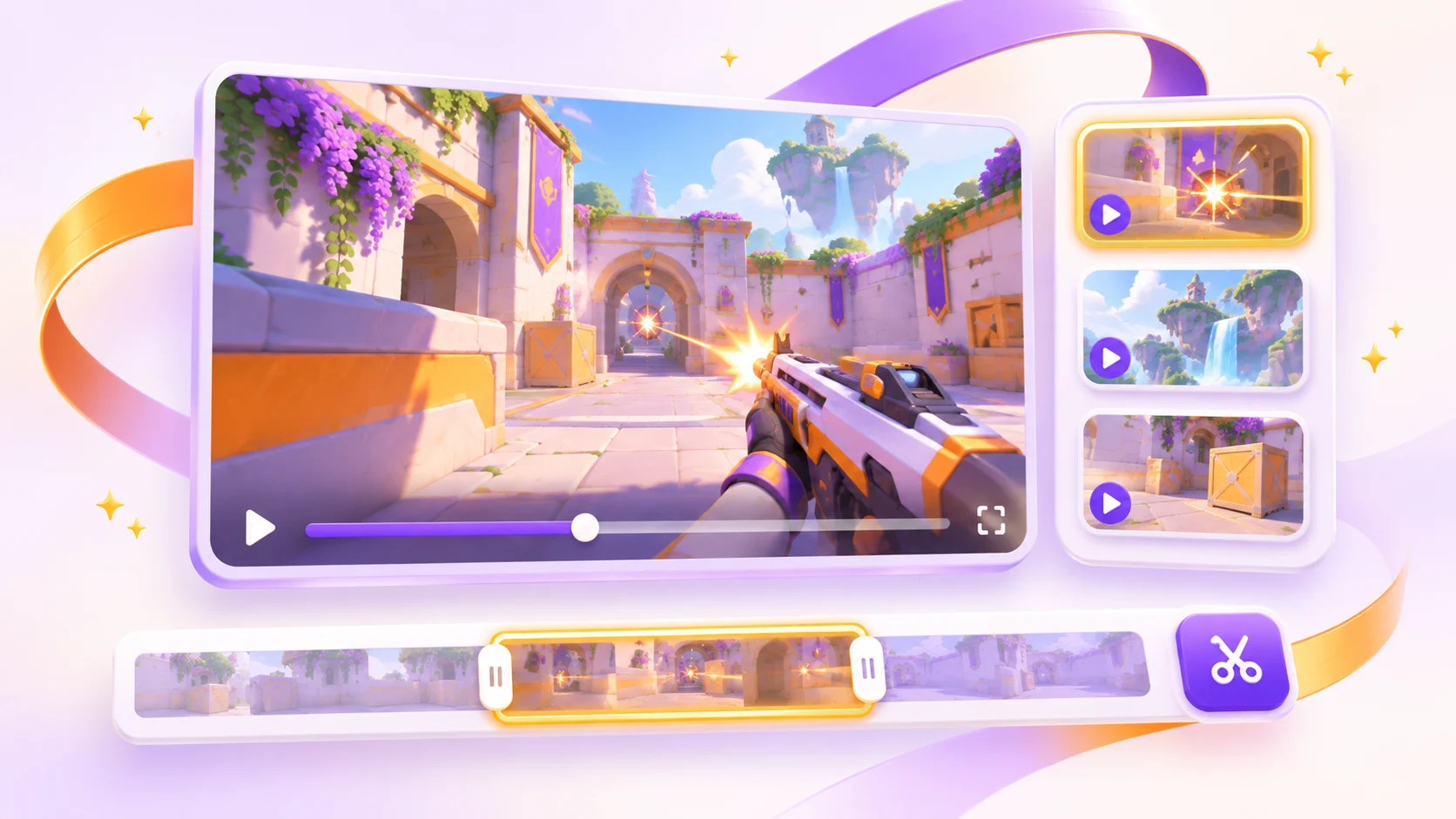
Finding a moment, keeping enough context, cropping for vertical, checking audio and posting are separate jobs. BangerBit connects live discovery to a professional editing tool for review, captions, templates and export.
A stronger clip starts with the full context of the moment.
A loud moment or a kill feed event is not automatically a good story. The product direction keeps a creator review step instead of promising perfect, publish-ready AI.
Local-first processing keeps the creator's footage and choices at the center of the workflow.
Built for the way solo streamers, editors and teams actually review, refine and deliver the clips that matter.
The first target is Windows creators already streaming through OBS. Setup, compatibility and hardware impact need validation before release.
The product direction combines creator markers, supported game-state events, audio, chat and visual cues. Supported games, integrations, detection accuracy and latency remain unvalidated.
We plan to carry each candidate's context into an editing workflow with templates, captions, vertical 9:16 reframing and export. Creators and teams review the clip and keep control of the final cut.
These are recurring themes in public feedback about clipping tools, not quotes from BangerBit customers. We want to learn which ones matter to our first users.
These are recurring themes from self-selected public reviews, not representative market research or proof that BangerBit solves them. Read current Eklipse customer reviews and OpusClip customer reviews; review platforms can be biased and vendor plans change.
Tell us how you make clips today, what slows you down and what you want from a better live-to-edit workflow. Your input helps shape the experience from the start.
Whether you stream solo, edit for creators or run a team, BangerBit is being shaped around the work that turns standout moments into consistent output.
Keep the moments that earn a second look within reach while you are live.
Bring the right moments into an editing flow with clearer context and less hunting.
Give every creator, clipper and reviewer a more consistent path from live play to final cut.
BangerBit is preparing its first release. Join the early-access list to hear when access opens and to share the workflow you want to improve.
Not as a public product. The concept is to help selected game streamers identify candidate moments during a broadcast, then review and edit them. Detection quality, latency, hardware impact and supported games need testing.
Our product direction is to detect highlights locally on your PC without uploading raw stream footage for analysis. The product is in development; we will publish and validate the exact data flow and privacy details before beta.
We plan to explore multiple signals, including creator hotkeys and voice markers, Stream Deck, supported game-state or GSI events, audio peaks, chat activity and visual cues. Supported games, integrations, accuracy and latency are still being tested; BangerBit is not a released automatic clipping tool yet.
The workflow brings reviewed moments into a professional editing tool for templates, captions, vertical 9:16 reframing and export. More details will be shared as early access opens.
Our intended billing direction avoids expiring credits, does not charge paid usage for failed processing, and keeps clip history from being locked behind expiring balances. Final pricing and fair-use terms will be public before launch.
Team review is part of the product direction: streamers, clippers and teams should be able to review, approve and refine candidate highlights together. The workflow is still in development.
Windows FPS and battle royale streamers using OBS, alongside editors and teams who handle clips for multiple creators. We are especially focused on people who already spend time or money finding, reviewing or editing clips.
There is no public release date or final pricing yet. The waitlist asks about your current spend and the value you would need to see before paying, so we can test the business model before selling a plan.
Practical workflows for capturing gaming moments, reviewing a VOD and making clips people can follow.
Live stream clipping workflow → Choose game clipping software →
Choose between a replay buffer, game-event capture, VOD clipping and live detection.
Compare toolsCompare Medal, Eklipse, StreamLadder, OpusClip and other options by job.
PC tutorialSet up OBS replay buffer, use a built-in recorder and test an automated workflow.
Twitch helpUse Twitch's own controls and understand what you can save and reuse.
Buyer guideCompare tools by the job you need done.
WorkflowManual, AI, and done-for-you — timed.
ComparisonCompare live and VOD workflows by game and plan.
ComparisonCompare long-video editing with live game workflows.
GameplayAces, clutches, comms, vertical.
PlatformClip Kick without scrubbing VODs.
GrowthUse Shorts' funnel to pull viewers back.
GuideWhy clips grow channels — and how to start.